Piper TTS
Fully local read-aloud for Chrome
The problem
Read-aloud tools are cloud-bound: subscriptions, API keys, and your reading habits shipped to someone else's server - just to hear a paragraph of text.
The build
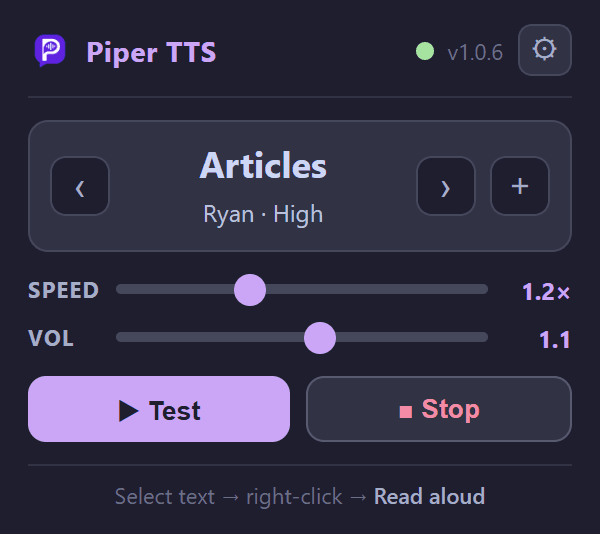
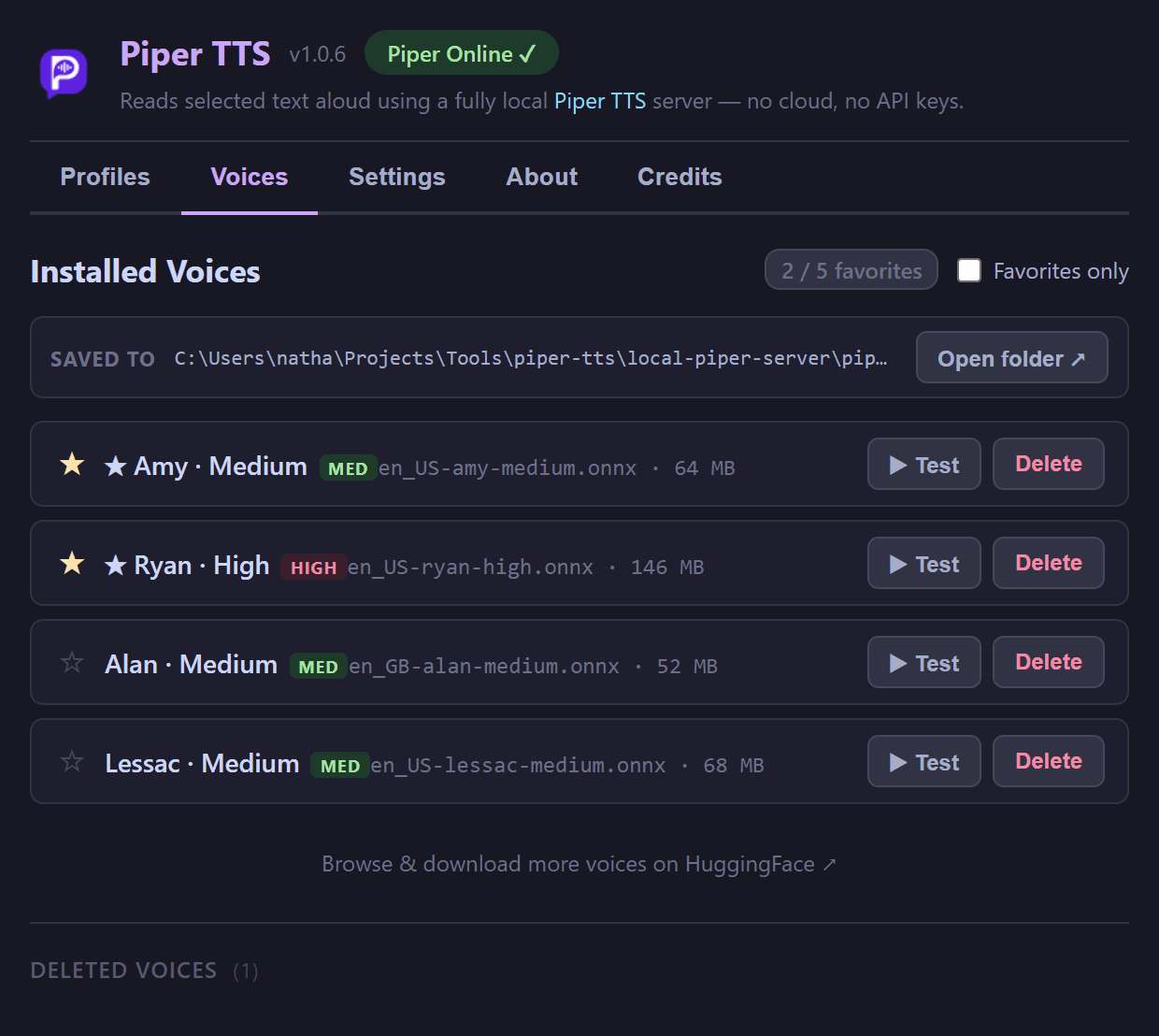
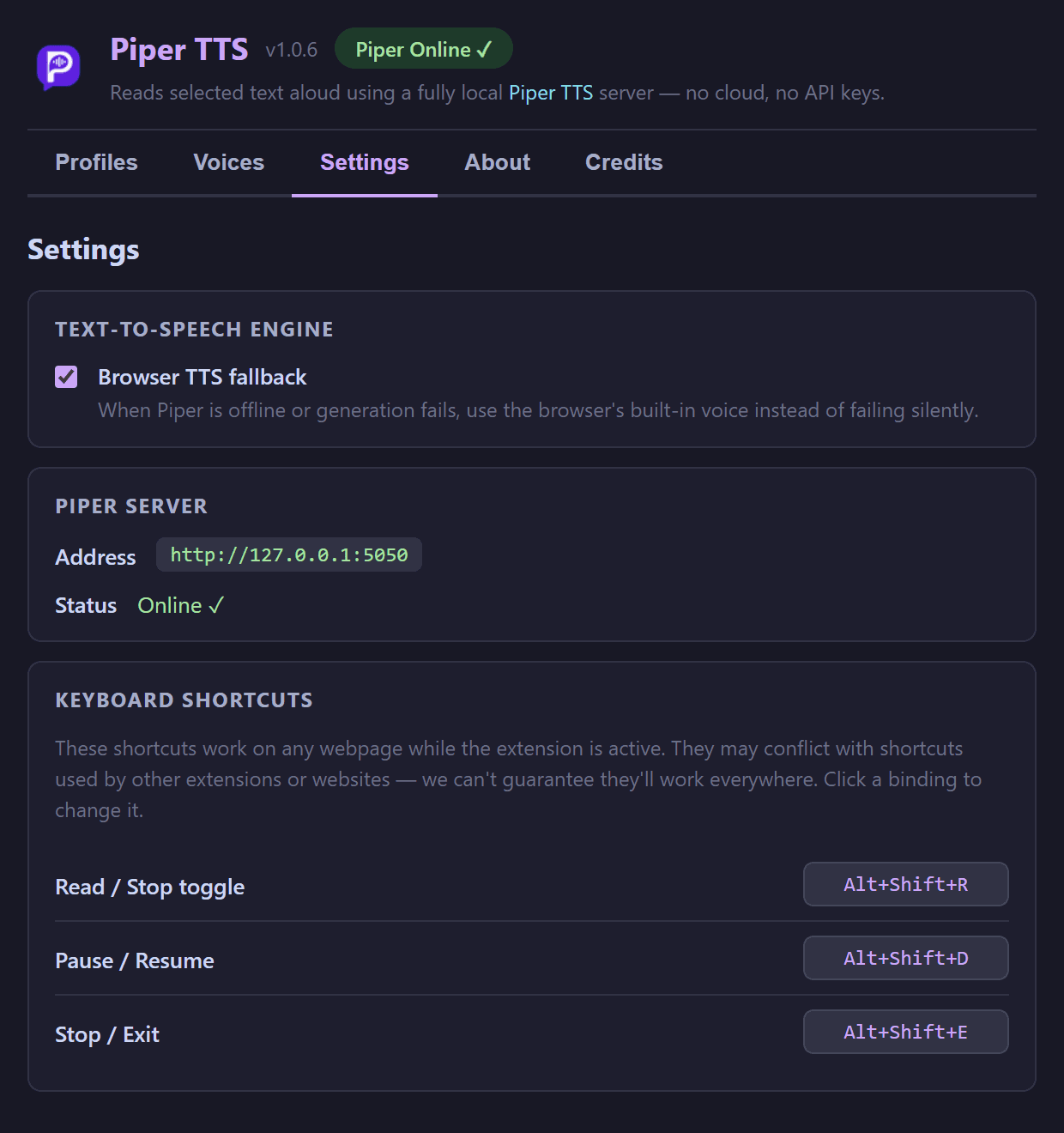
Highlight text on any page, right-click, and it is read aloud by a Piper TTS model running entirely on your own machine. A browser-TTS fallback works instantly with zero setup, so the extension is useful before the local server is even installed. No cloud, no API keys, no data leaves your computer.
Stack & choices
- Chrome MV3Service worker for the context menu plus an offscreen document for audio playback
- ReactPopup and options UI - profiles, voices, settings, credits
- Node.js + PiperLocal server wrapping the Piper neural TTS engine and its voice models
- esbuildBundles the React UI into the extension
Process notes
- 1
MV3 killed background audio, so playback runs in an offscreen document - one of those Chrome-platform quirks you only learn by hitting it.
- 2
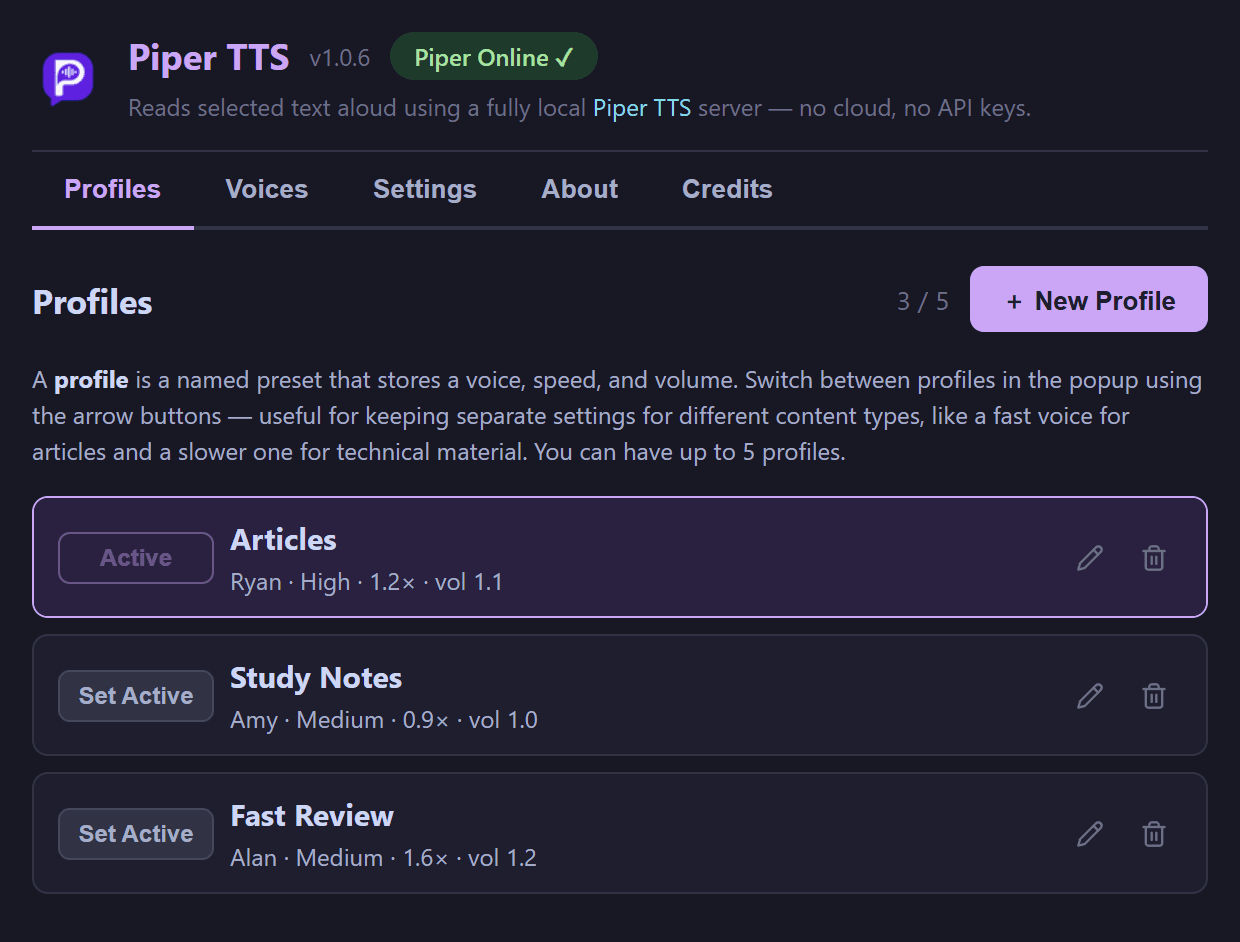
Voice profiles bundle voice, speed, and volume so switching between a fast skim-voice and a slow listen-voice is one click.
- 3
Screenshots are generated by a Puppeteer script that runs from WSL but drives Windows Chrome - the same automation pattern shared with TubeVault.
- 4
A git pre-commit hook keeps the built dist/ in sync with src/, so the loadable extension never drifts from the source.
Recent activity
Full log for Piper TTSHandle write-stream errors in setup downloader (opens in a new tab)
and 2 more changes
Launch tray windowless (wscript + .vbs) - no CMD flash (opens in a new tab)
and 19 more changes
Handle invalidated content script runtime (opens in a new tab)
Show playback overlay across tabs (opens in a new tab)
and 9 more changes